



If you have any questions or queries talk with our experts or send an email to hello@getquickscan.com
QuickScan – Document Scanner Easiest way to Scan Documents
Fast, Precise, Simple & Best Document Scanning App
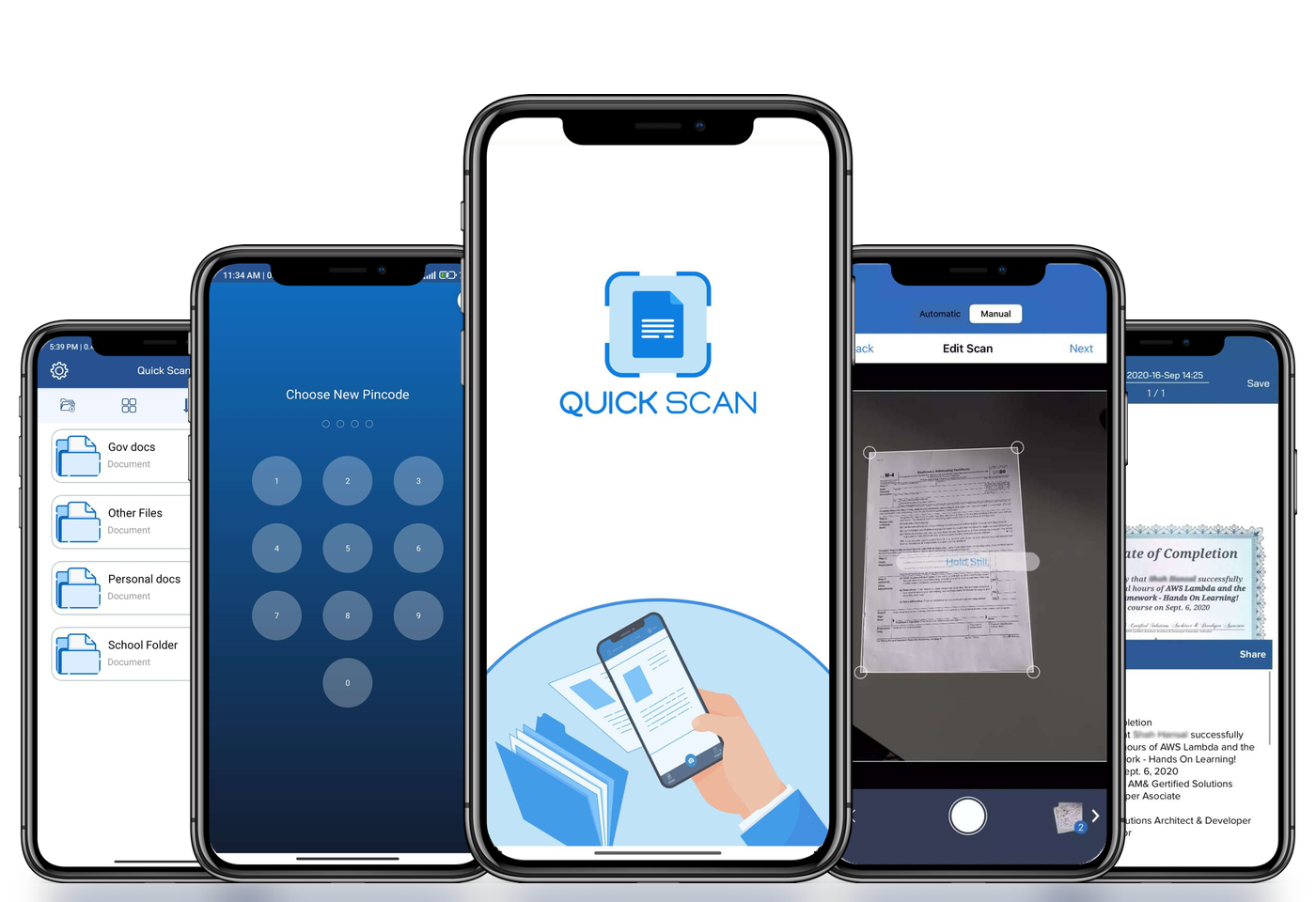
Phone scanner App that scans your documents into High quality PDF with just one tap.
Notes, books, whiteboards, business card, IDs, bills, invoices & receipt scanner App
Over 120+ growing members
Rated as best iOS & Android Scanner App
Features
Mobile Scanning & Document Management
Using the mobile camera, Quickscan serves as the one-stop solution for scanning your important documents which includes various features such as Text extractor, Filters, crop and Re-arrange pages.

Quality & Simplicity
Easy, Ultrafast & Lightweight mobile scanning app. Obtain High quality Scans in seconds with great image quality & resolution

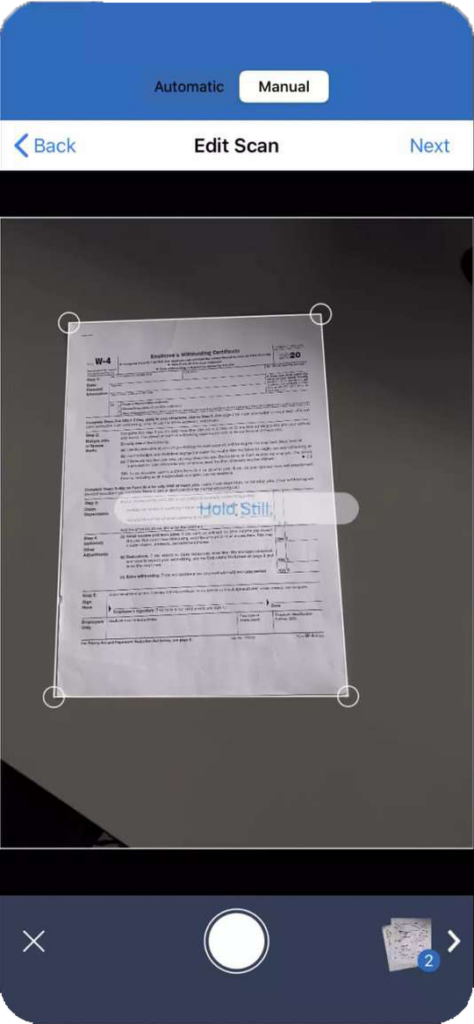
Automatic & Manual Mode
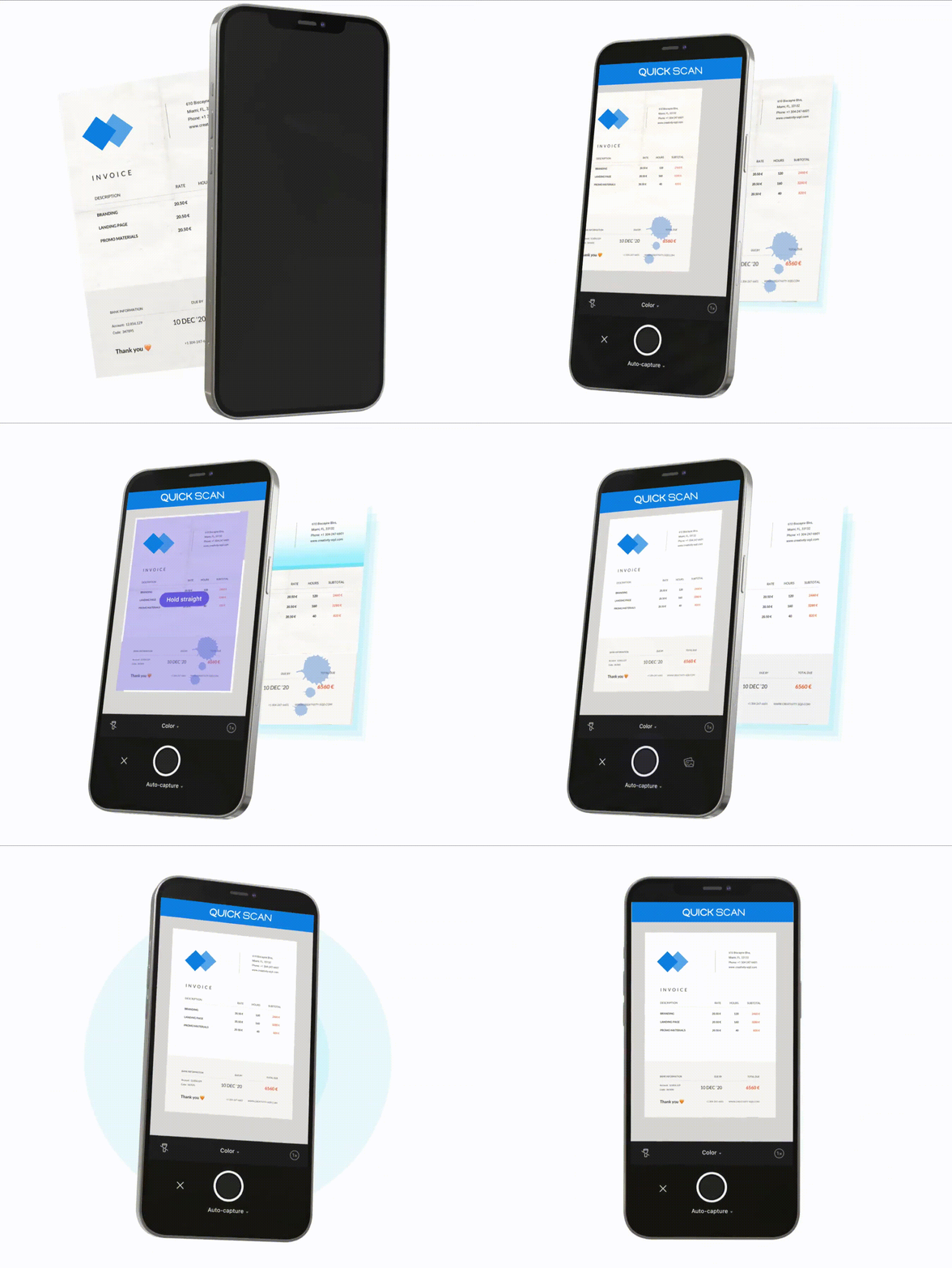
Mobile Phone Scanner with Automatic document detection. Hold your mobile in front of the document & let QuickScan do the rest.

Amazing Layouts
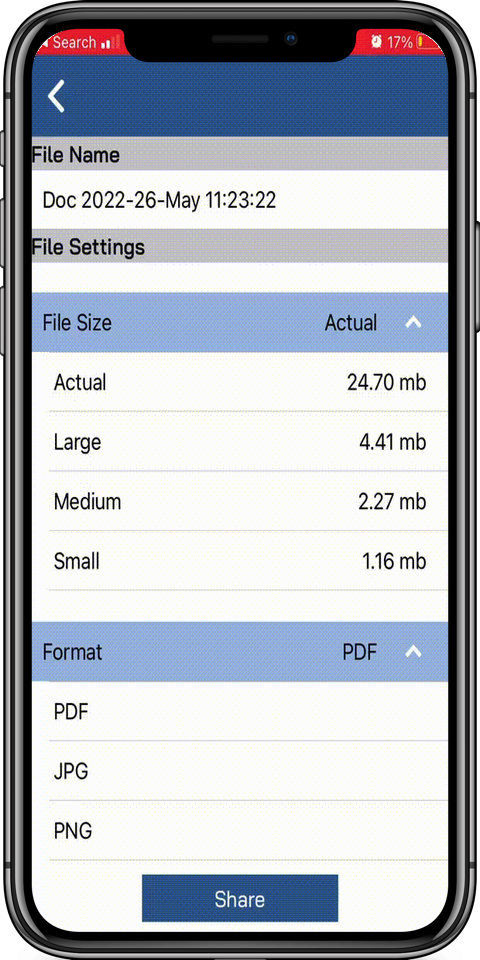
Save your scans as a PDF or as an image in the various formats. Scan multiple pages to PDF for easy view

Organize, Manage & Share
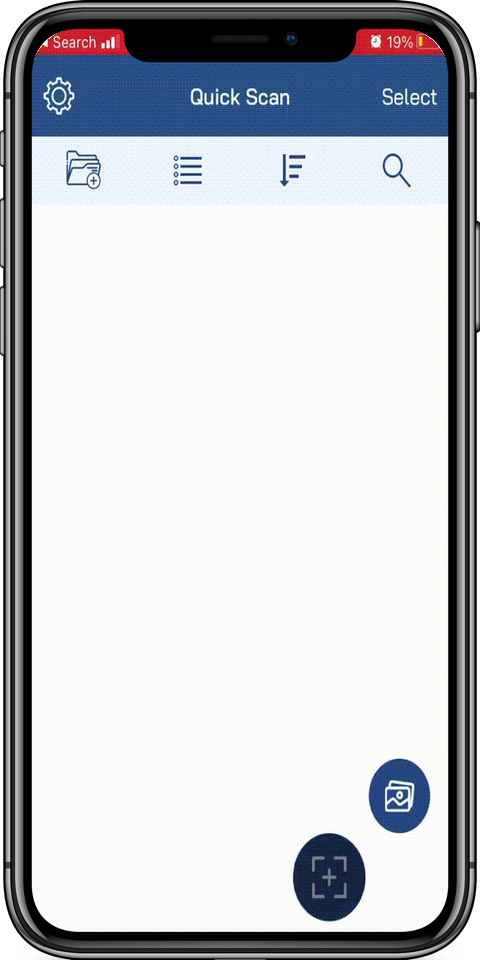
Easily create folders, find any document in seconds after document scanning

Multi Lingustic
QuickScan PDF Scanner App is fluent in English, Hindi, German and so on

Border, Crop & Magnify Scans
Detect borders, magnifies for perfect scan and crops unwanted text after you scan document using iPhone
How it works
How to take High Quality scans in seconds
Demonstrate the most user-friendly #Document Scanner on your Fingertips.
Free Download
Unlock Unique Features of a
Mobile scanner
How
Accurate Text Recognition With OCR & Convert OCR Pdf to Word
After document scanning from the smart device, detect Text from IDs, business card, document scans and convert into an editable word file. Use OCR to text conversion.

How
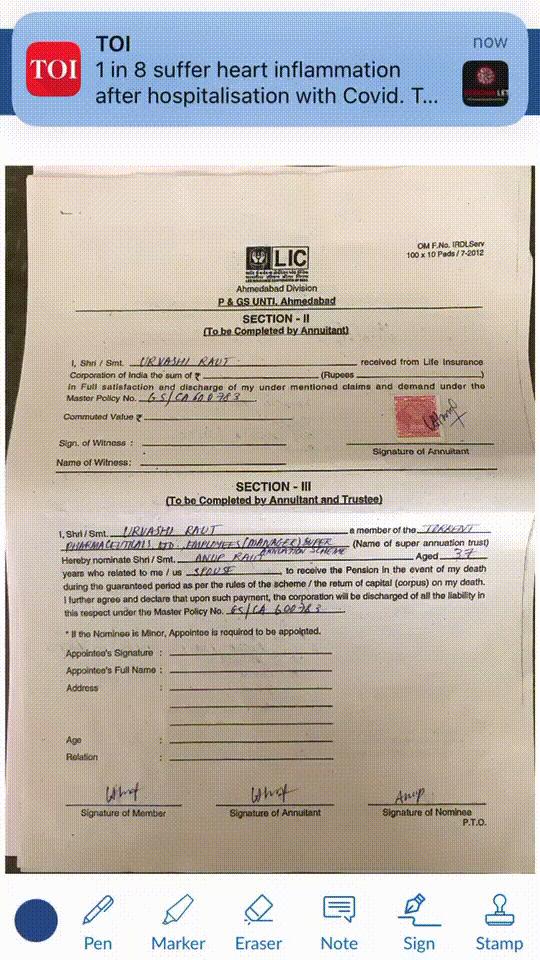
Annotation Features & Edit Options
After a clear document scan from PDF scanner, you can mark up or place some ‘X’s so your client knows where to sign or highlight text, add notes, or even put your own signature on a contract.
How
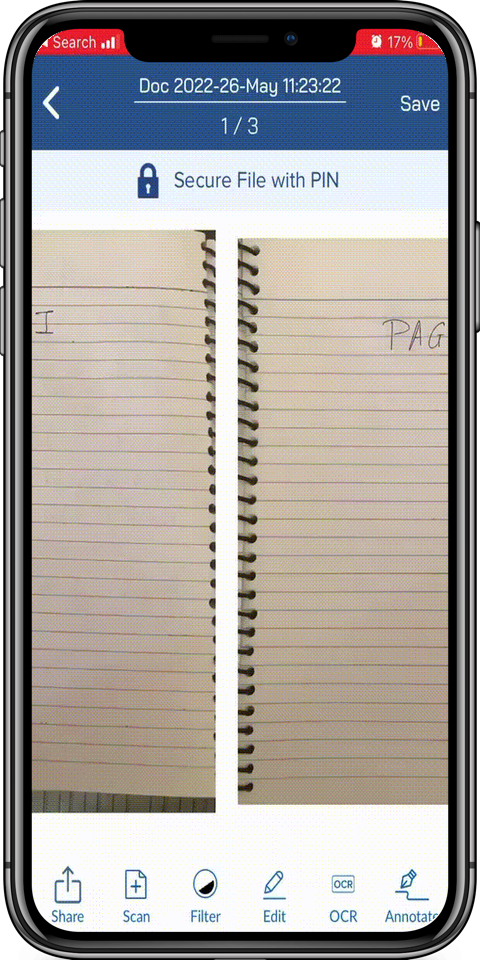
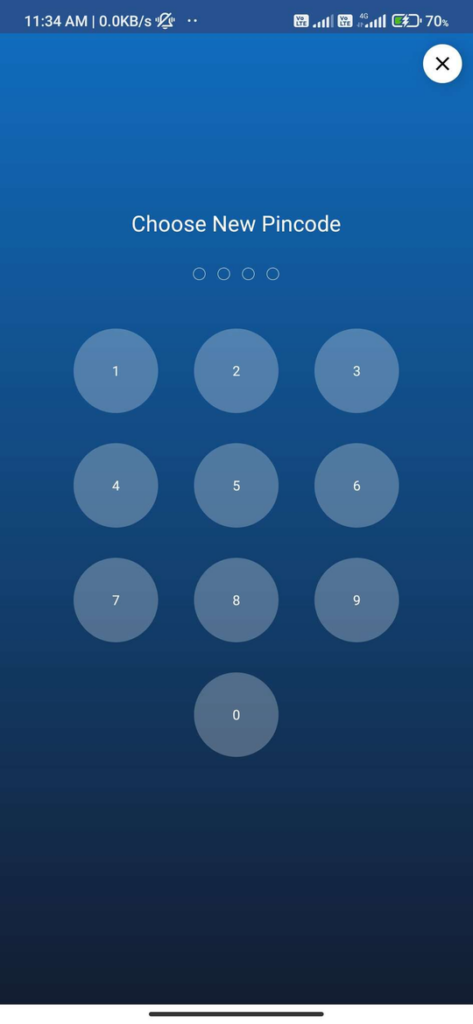
Secure your Data with PIN/Password
With Quickscan, you have the option to create a personal identification number (PIN) that will provide protection for the entire app. Alternatively, you can choose to lock specific folders and documents with a PIN, giving you an extra layer of security for sensitive information. This allows you to have more control over the security of your data and ensures that only authorized individuals have access to important files.
How
Advance Image Filters
Best Mobile scanner App with different filters like grayscale, Black & white, original, and colored for smoothing out wrinkles, shadows, and blemishes, and focusing on the text
Testimonials – What are they saying about Us!
Why Us?
Scan documents instantly On the Go. Digitize documents, Edit PDFs, auto-upload scans, secure and instant sharing of scan documents. Empowers students, professionals and is great for personal use too.
Get the App
Latest in Blogs : Stay Up to date
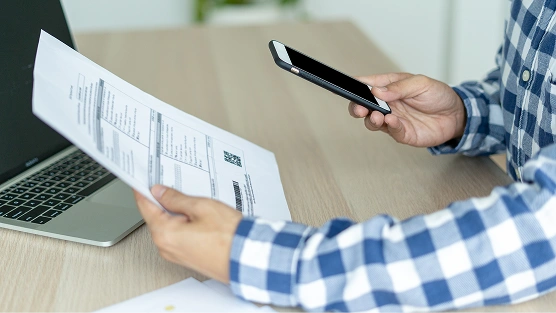
5 Unexpected Ways to Utilize QuickScan in Your Daily Routine

QuickScan – Best PDF and OCR Scanner App for Students

How Document Scanner Apps Benefit Government Sector?
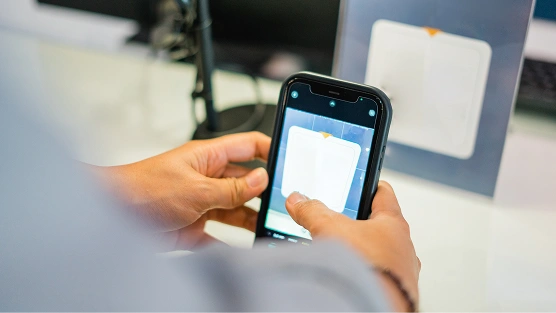
Purpose of Mobile Scan document app for Various Industries
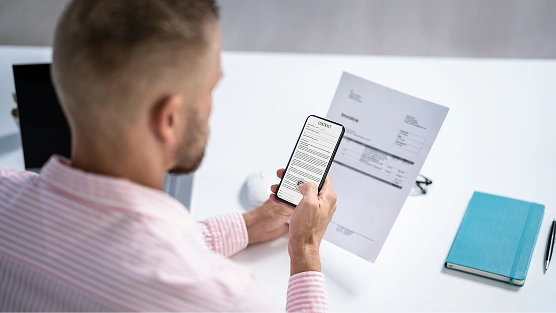
5 Ways A Business Scanner App Can Help Optimize Your Enterprise Processes
How to Choose a Mobile Scanning App?
What is the best app for scanning documents for iOS?
QuickScan turns your iPhone into a fast, precise document scanner: automatic border detection, OCR, filters and one-tap PDF export.
Are there any additional fee?
QuickScan is free to download on Google Play and the App Store.
How can I get the app?
Download QuickScan from Google Play for Android or from the App Store for iPhone using the buttons on this page.
What features do you offer and other not?
Automatic & manual scanning, OCR to Word, annotation and signatures, PIN protection, smart filters, folders and multi-language support.