How To Scan A Photo On iPhone?
How to scan photos with iPhone using the QuickScan Photo scanner App for iOS. Explore the Blog for enhancement of QuickScan
Tips, guides and product news to help you scan, organise and share documents from your phone.
How to scan photos with iPhone using the QuickScan Photo scanner App for iOS. Explore the Blog for enhancement of QuickScan
Explore the in-depth information about the Difference Between Scanning and OCR. This Article explains how important both are for Scanner app
Discover the impact of document scanner apps on the travel industry and how they streamline processes. Learn more now.
Upgrade to digital scanning apps for efficient workflow. Discover advantages over traditional methods. Embrace cutting-edge technology today
Document Scanner App has lots of benefits in everyday life. In this Blog we have mentioned detailed Scanning App Trends for 2023!
OCR tech streamlines ops & improves accuracy/security. Learn why it
Download the app to manage your projects, keep track of the progress and complete tasks without procastinating. Stay on track and complete on time!
Get the App
FAQs
If you have any questions or queries talk with our experts or send an email to hello@getquickscan.com
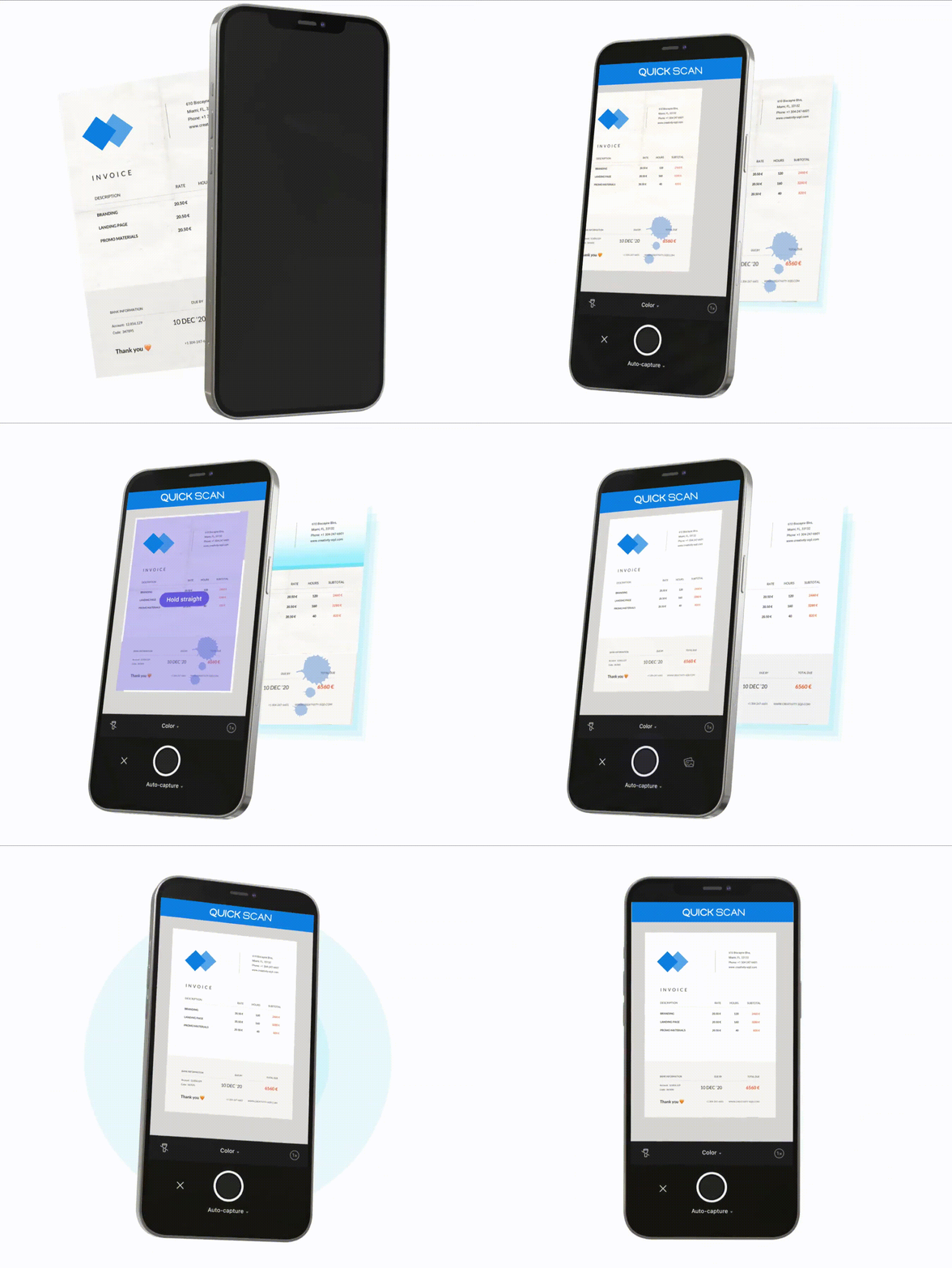
QuickScan turns your iPhone into a fast, precise document scanner: automatic border detection, OCR, filters and one-tap PDF export.
QuickScan is free to download on Google Play and the App Store.
Download QuickScan from Google Play for Android or from the App Store for iPhone using the buttons on this page.
Automatic & manual scanning, OCR to Word, annotation and signatures, PIN protection, smart filters, folders and multi-language support.