Gear Up For A Paperless Office With Quickscan PDF Scanner App
Gear Up for a Paperless Office With QuickScan - scanning & digital files app. Tips on how to go paperless in your…
Tips, guides and product news to help you scan, organise and share documents from your phone.
Gear Up for a Paperless Office With QuickScan - scanning & digital files app. Tips on how to go paperless in your…
Digitize Notes, Class Handouts & More With this free Document Scan App: QuickScan scanner app a go to choice for students &…
What Documents Should I Scan? 10 important documents to digitize for future benefits using QuickScan document scan app!
Document Scanning - The Basics & Benefits of scanning with QuickScan Document scanner App for iOS & Android!
QuickScan App To Scan Daily: How To Protect, Export And reduce pdf file size of scanned Documents using Smartphones
How To Improve Scan Quality With Quickscan Free PDF Scanner App? Tips and Tricks to get high quality scans with phone scanner…
QuickScan Scan to PDF OCR App: Let us Talk about Optical Character Recognition, Text Recognition and extraction feature in detail.
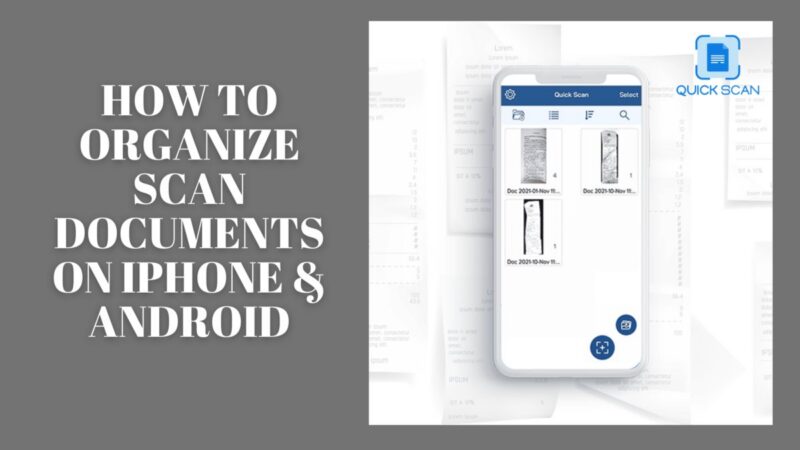
How to Organize Scan documents on iPhone & Android using Document scanning app QuickScan. Rated as best scanner app!
How to scan documents with android using 2 simple methods. Inbuilt google drive app and third party scanning app QuickScan Document Scanner.
Introduction Faxing Documents To An Email Account Was Something We Had Been Doing Long Before Desktop Scanners Were Widely Available.
Download the app to manage your projects, keep track of the progress and complete tasks without procastinating. Stay on track and complete on time!
Get the App
FAQs
If you have any questions or queries talk with our experts or send an email to hello@getquickscan.com
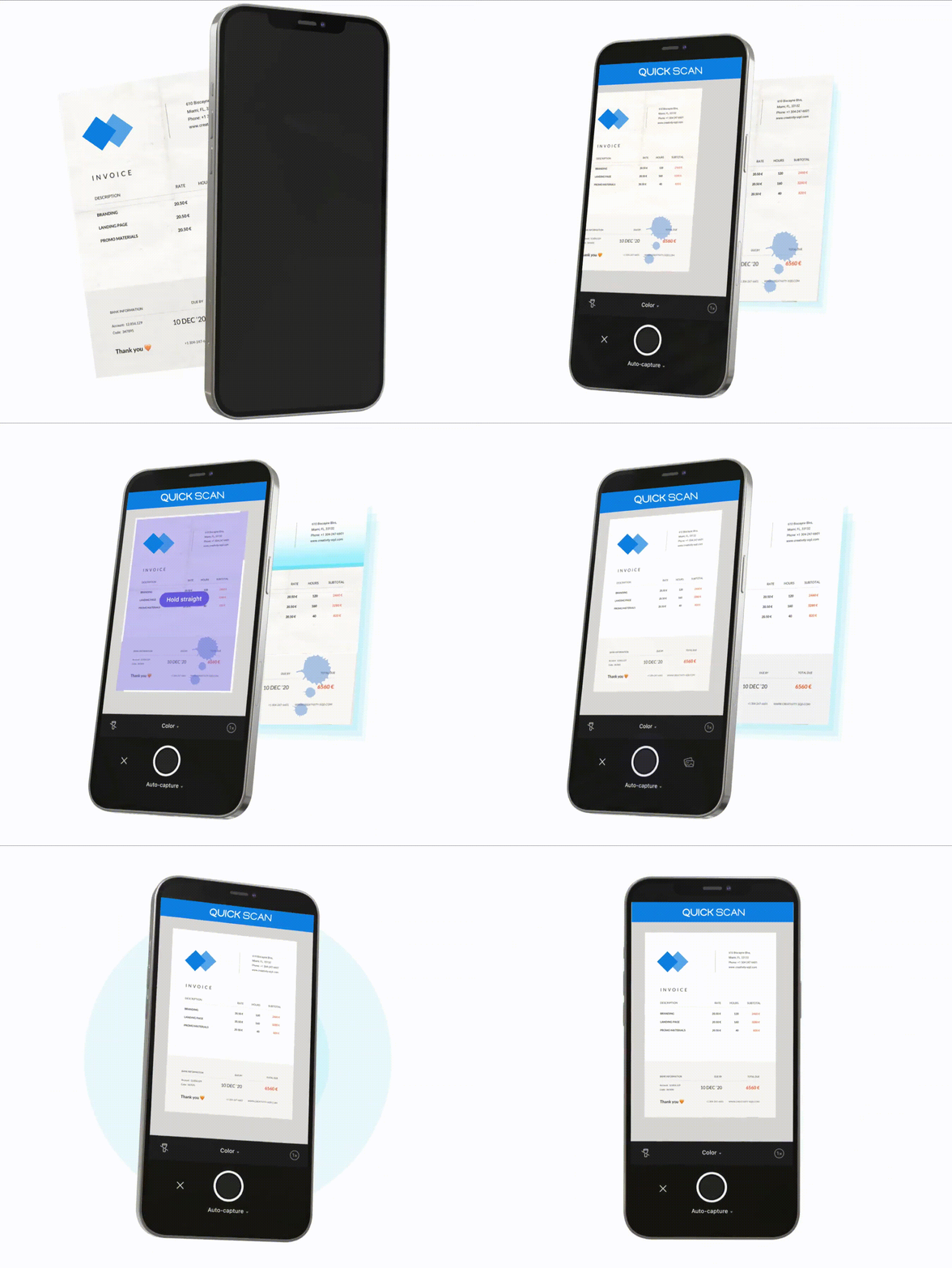
QuickScan turns your iPhone into a fast, precise document scanner: automatic border detection, OCR, filters and one-tap PDF export.
QuickScan is free to download on Google Play and the App Store.
Download QuickScan from Google Play for Android or from the App Store for iPhone using the buttons on this page.
Automatic & manual scanning, OCR to Word, annotation and signatures, PIN protection, smart filters, folders and multi-language support.